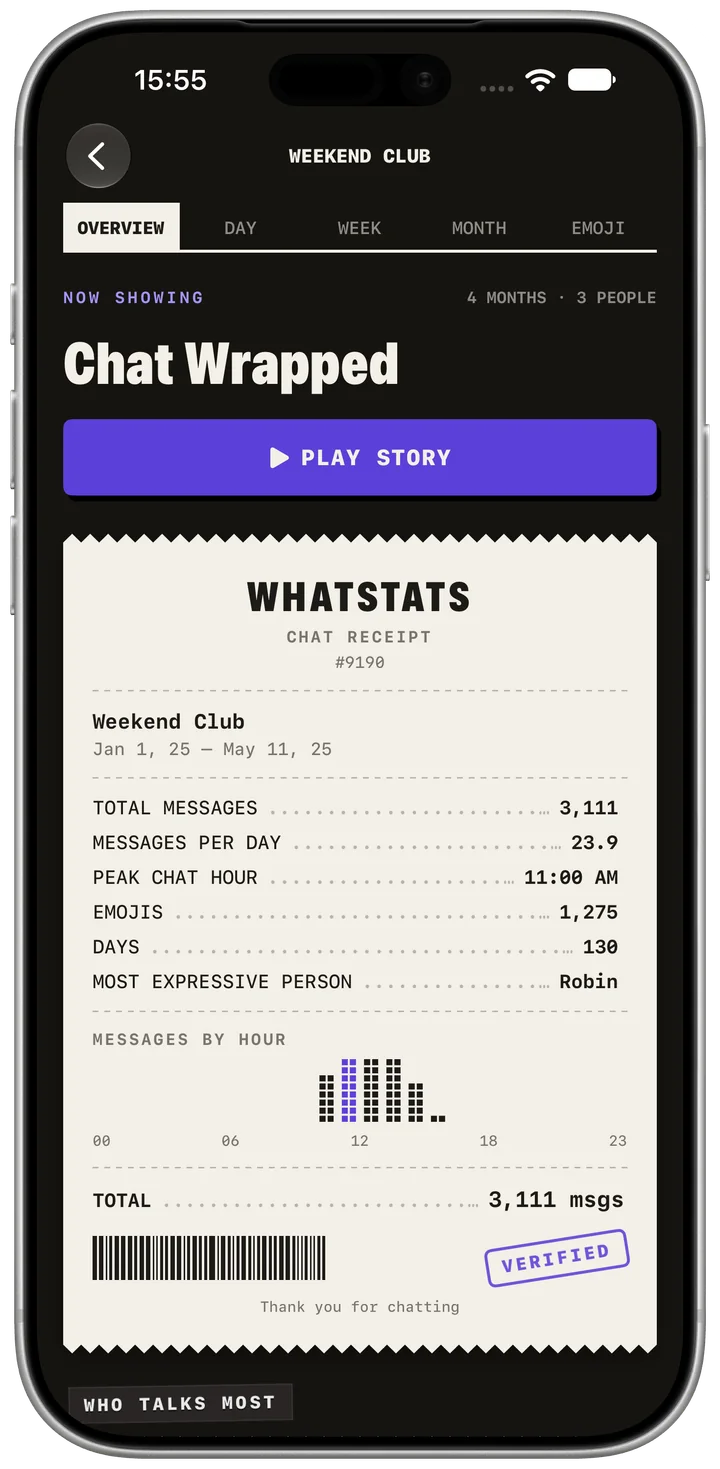
The receipt summarizes the imported conversation, including participant counts, activity and selected highlights. Use it as the starting point for detailed views.
Follow these steps
- Open a saved analysis or the sample chat.
- Select the overview tab and read the receipt from top to bottom.
- Compare the message total and participant names with the intended export.
Check the result
Compare the message total and participant names with the intended export.
Limits and access
The receipt only covers messages present in the export. Deleted, missing or later messages cannot be reconstructed.
The sample chat is fully unlocked. Your own first analysis is free; Pro unlocks full Wrapped, sharing and unlimited analyses.